
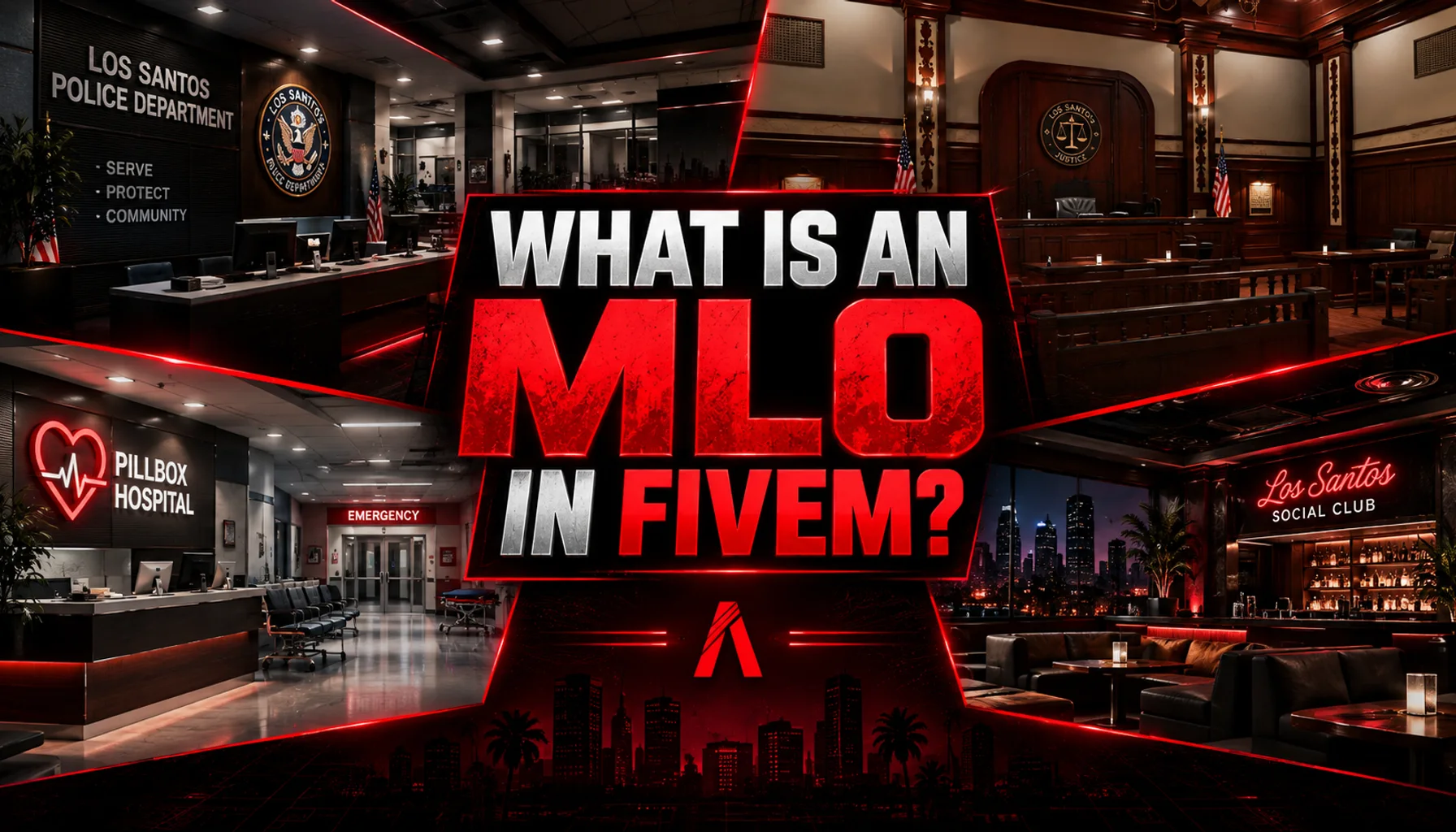
An MLO in FiveM is a custom interior — a building, shop, station or hideout that players can walk into as part of the normal game world, without loading screens or teleports. Where the base game leaves a locked door, an MLO adds real rooms behind it. This guide explains what the term means, how an MLO works under the hood, how it differs from a YMAP or an IPL, and what to know about performance and installation before you add one to your server.
What Does MLO Mean in FiveM?
MLO stands for Multi-Level Object. The name comes from the way GTA V describes interiors in its own data: an interior is an archetype (a CMloArchetypeDef in a .ytyp file) made of rooms, portals and the props inside them. Multi-level does not mean the building needs several floors — it refers to the layered room and portal structure the engine uses to decide what is rendered when you are inside.
In everyday FiveM language the word simply means "custom interior". When a store or a server owner says a location is an MLO, they mean the interior is enterable, part of the map, and was built by a creator rather than shipped by Rockstar.
How Does a FiveM MLO Work?
An MLO is a small set of game files streamed by a server resource. Together they tell the client where the interior is, what it looks like and how it behaves:
- A .ytyp file defines the interior archetype: its rooms, the portals that connect rooms to each other and to the outside, and optional entity sets (props that can be switched on and off).
- A .ymap file places that interior in the world at fixed coordinates, so it lines up with the exterior of the building.
- Model, texture and collision files (.ydr, .ydd, .ytd, .ybn) carry the walls, furniture, materials and the surfaces you walk on.
- Optional scripts add behaviour: doors, elevators, interactive props or a companion script sold with the map.
Because rooms are separated by portals, the game only draws what can actually be seen through open doorways. That is why a well-built MLO with many rooms can still run smoothly: the engine culls everything behind closed portals instead of rendering the whole building at once.
MLO vs YMAP: What Is the Difference?
A YMAP is a placement file. On its own it can add or move props, buildings, roads, bridges and whole outdoor areas — anything that changes the world without creating new enterable rooms. That is why FiveM stores usually call exterior projects "YMAP maps" or simply "maps": a bridge, a park, a stadium or a PVP arena is world geometry placed with YMAPs, not an interior.
An MLO also uses a YMAP to place itself in the world, but the interior itself lives in the YTYP archetype with rooms and portals. The practical rule: if you can walk inside and the space has separate rooms, it is an MLO; if it changes the outdoors, it is a map. BrunX keeps the two apart for the same reason — interiors are listed under FiveM MLOs and exterior projects such as bridges, parks and arenas under FiveM Maps.
MLO vs IPL
IPL is an older term from the placement format Rockstar used before YMAPs, and in FiveM it usually refers to interiors that already exist in GTA V but are hidden by default — nightclubs, offices and DLC interiors that a script can enable with the game's IPL natives. Loader resources toggle those built-in locations on and off; they do not add new geometry.
An MLO is new content: a creator modelled the rooms, textured them and built the collisions. Some MLOs ship with an IPL toggle as well, so the vanilla version of a building is disabled while the custom interior is active. If two resources try to occupy the same building, you get overlapping walls and flickering textures — a classic installation problem covered in the installation guide.
Are MLOs Client-Side or Server-Side?
Both, in a sense. The files are hosted by the server in the resource's stream folder and are downloaded once by every client who connects; the rendering then happens on the player's machine. Nothing about an MLO depends on a framework or a database, which is why the same interior works on ESX, QBCore, Qbox, vRP and standalone servers. Companion scripts are a different story: a cinema or nightclub management script declares its own framework support, separately from the map.
Many paid MLOs, including BrunX releases, are protected with FiveM Asset Escrow. The resource still streams normally, but the 3D models cannot be opened or edited; texture files (YTD) can usually be customised when the creator leaves them unlocked.
How Do You Install an MLO?
The short version: download the resource, drop the folder into your server's resources directory, add ensure resource_name to server.cfg and restart the server. Folder structure, load order and dependencies vary from one resource to the next, so always read the readme that ships with the map. A few BrunX interiors also require the BRNX Bridge resource to be started first — the BRNX Bridge FAQ explains what it is and how to add it.
Do MLOs Affect Performance?
Every streamed interior costs memory and draw calls, so the quality of the build matters more than the number of rooms. Things that keep an MLO light: LOD models for distant views, correctly closed portals, textures sized for the game rather than for a render, occlusion data so sound and visibility stop at walls, and collisions that match the visible geometry. Things that hurt: oversized textures, missing LODs, props duplicated on top of each other, and several resources fighting over the same building.
- Add interiors your roleplay loop actually uses; remove the ones nobody visits.
- Test with a full server, not an empty one — streaming pressure shows up with players around.
- Prefer resources that document optimisation (LODs, portals, audio occlusion) instead of guessing.
- Keep one version of each location; delete leftovers from older maps you replaced.
Examples of MLOs in Roleplay Servers
The easiest way to understand an MLO is to look at what it enables. A courthouse such as Courthouse and Offices gives judges, lawyers and police a real courtroom plus government offices, so legal roleplay happens in a place instead of a text channel. A hospital like Vinewood Medical Center spreads EMS work across reception, treatment rooms, elevators and a helipad. A venue such as the Haute Luxury Nightclub turns nightlife into a business with VIP areas, a backstage and — with its companion script — staff, stock and reputation to manage.
Police stations, mechanic workshops, restaurants, cinemas and hideouts follow the same logic: the interior creates a reason to be somewhere. If you are choosing your first set, our list of the best FiveM MLO maps for RP servers groups them by the kind of roleplay they support.